ShatterFX Studio
A downloadable tool for Windows, macOS, and Linux
Procedural fracture studio for Aseprite: split any sprite into real debris, then let a 2D rigid‑body simulation decide how it falls, cracks, melts or burns and more.
Aseprite 1.3.18+ Lua 5.4 Zero dependencies EN / ES / RU / ZH
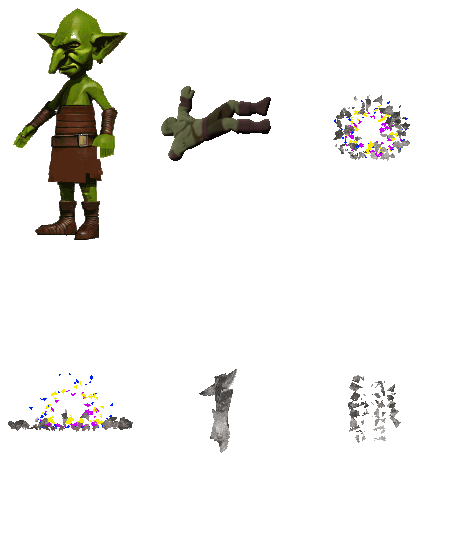
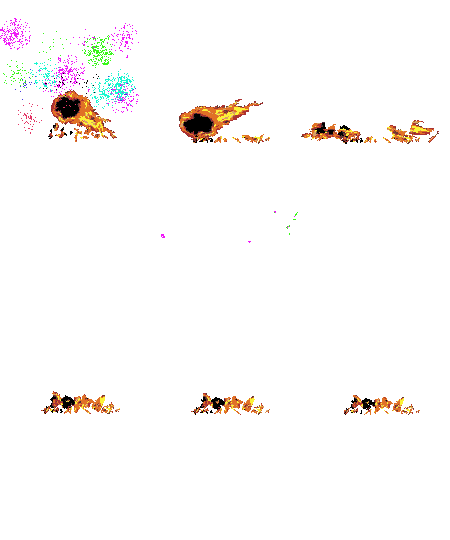
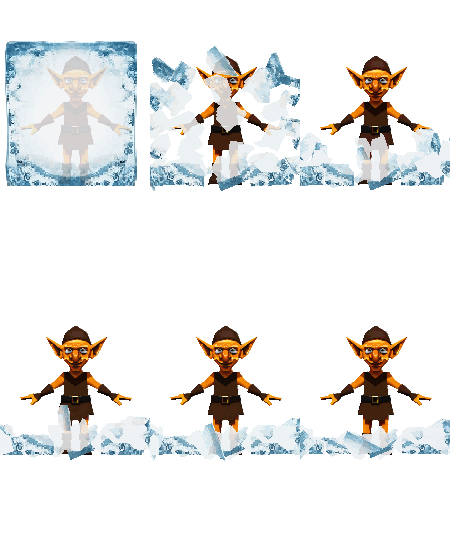
What it is
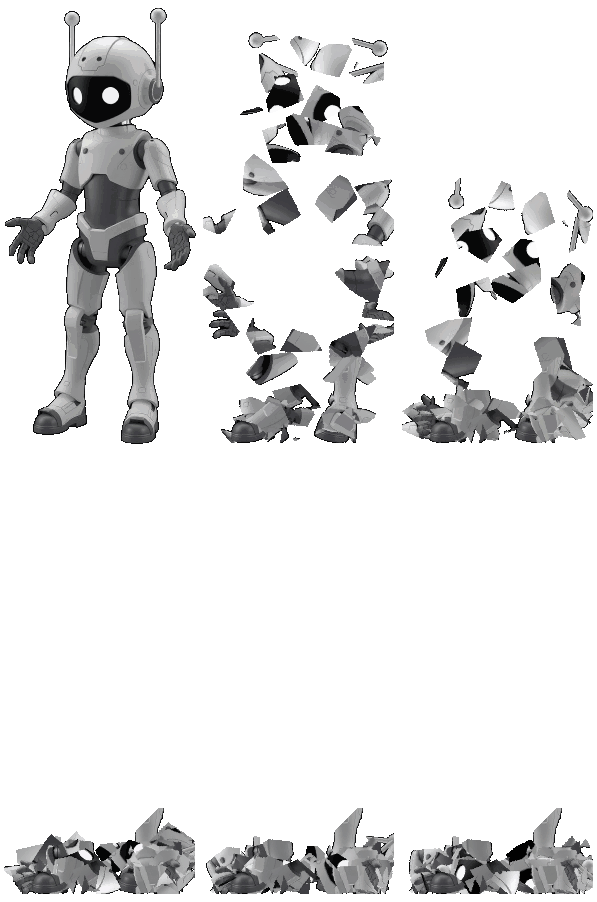
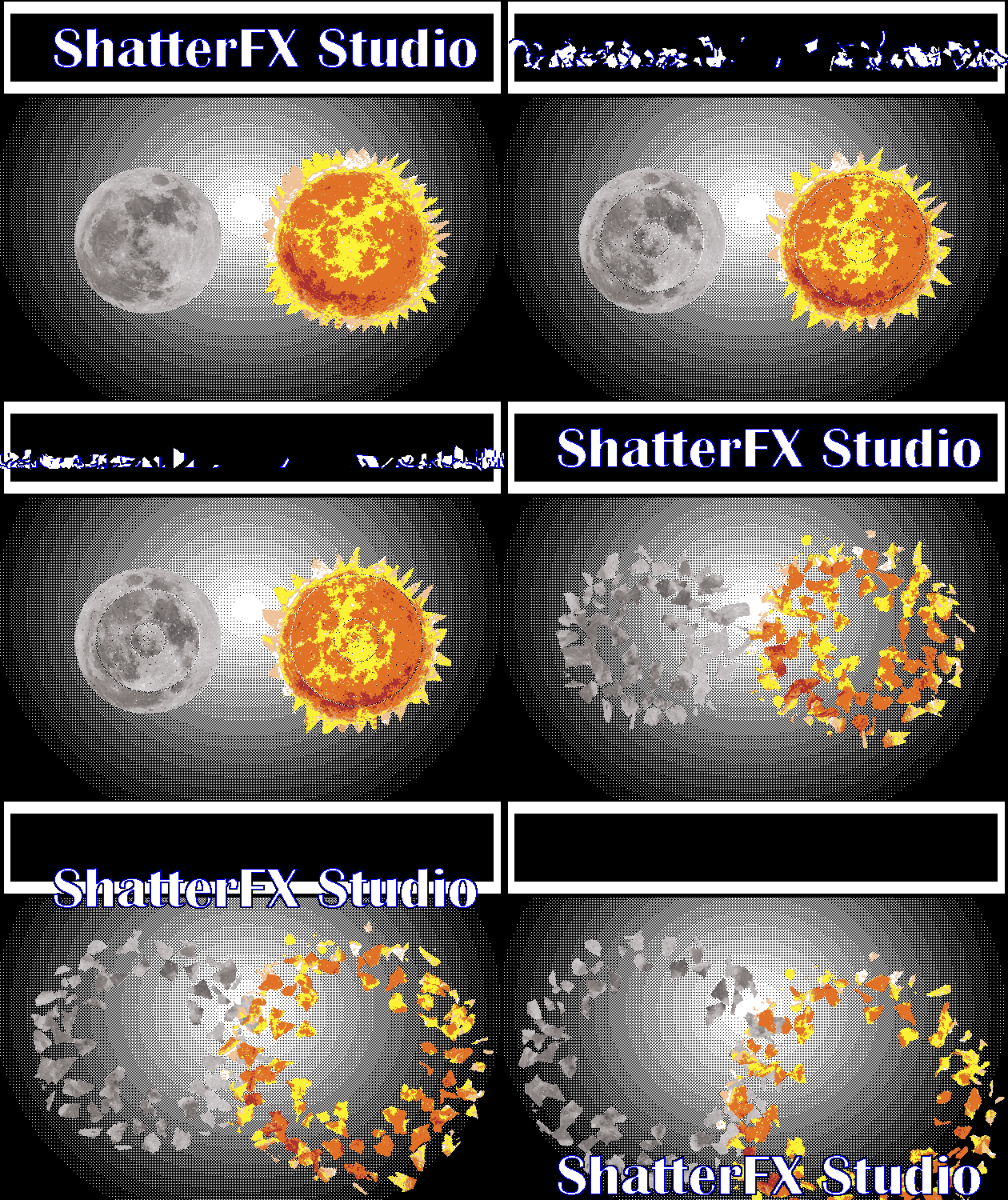
ShatterFX Studio is a persistent, resizable, non‑modal panel that lives inside Aseprite. You draw a sprite, open the Studio, pick a material, and Generate: the extension cuts your cel for real, simulates every fragment as a rigid body and writes the result back into the aseprite — as one image or as a full animation frameset.
- Real preview. The canvas fractures your actual active cel, so the piece count you see is the piece count you get.
- Nothing gets in the way. No click ever closes the window; Aseprite stays usable while it is open.
- Non‑destructive. Bakes are layer‑local and wrapped in a single transaction, so one undo reverts everything.
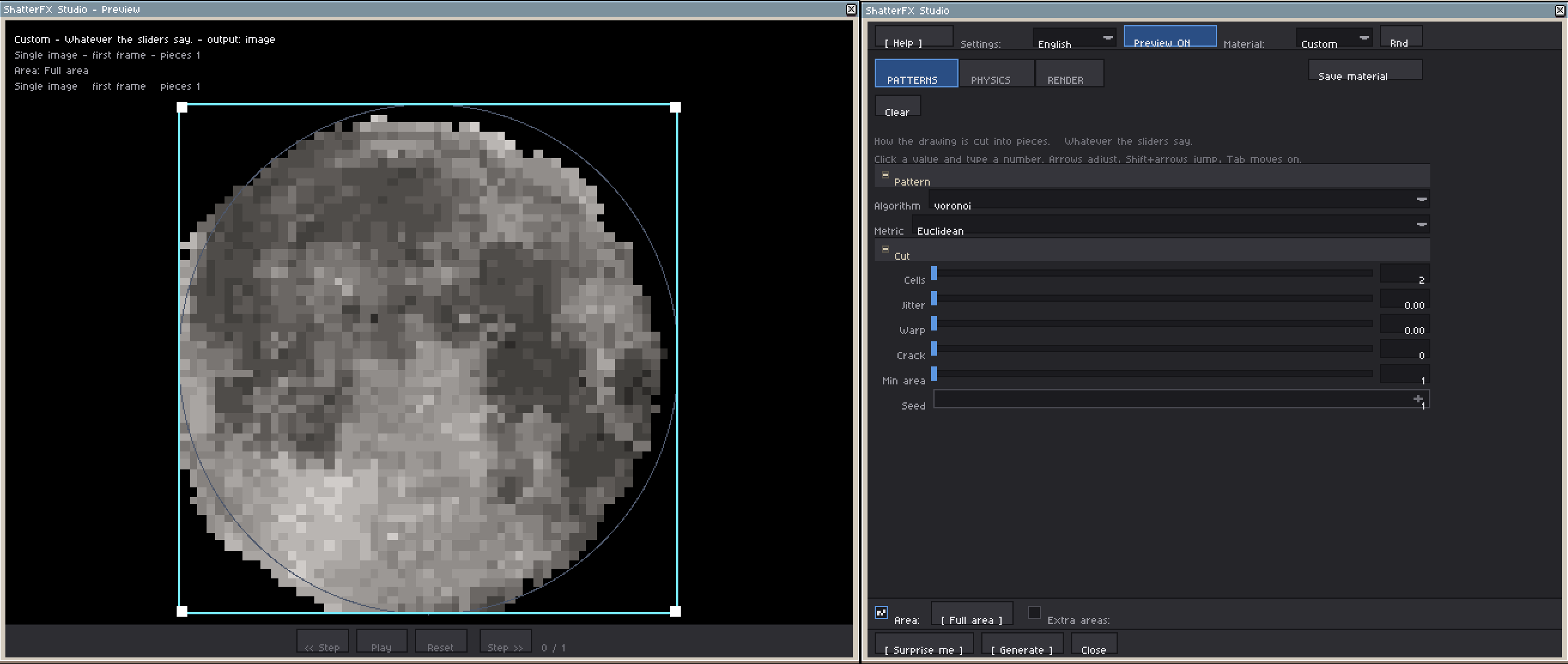
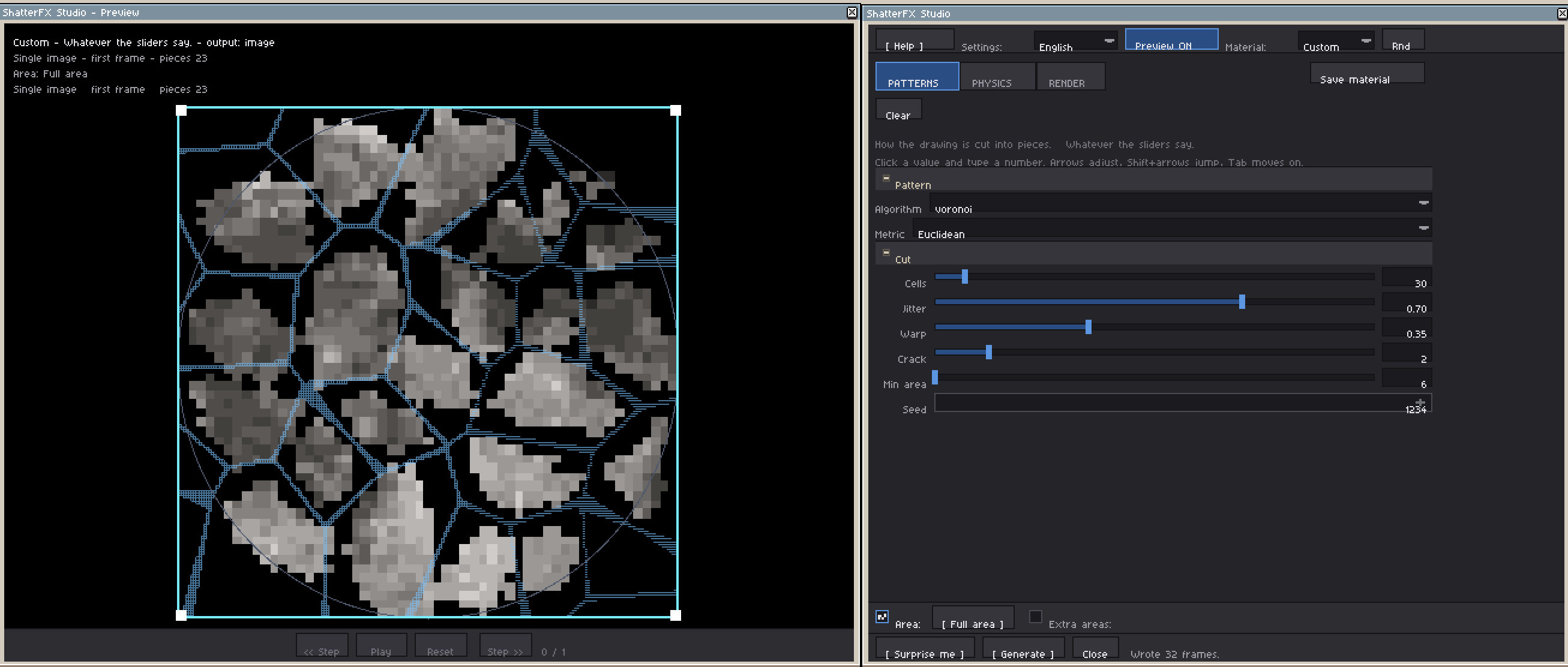
One panel, three tabs
Every tab is built once, when the window opens. Switching tabs, folding a group or toggling an area only hides and shows widgets, so nothing rebuilds and nothing flickers.
| Tab | What it controls |
|---|---|
| PATTERNS | How the drawing is cut into fragments. |
| PHYSICS (A Flight / B Impact) | How the fragments fly, spin, hit the ground and settle. |
| RENDER | Timeline, frame budget and how the result is written. |
PATTERNS — how the sprite is cut
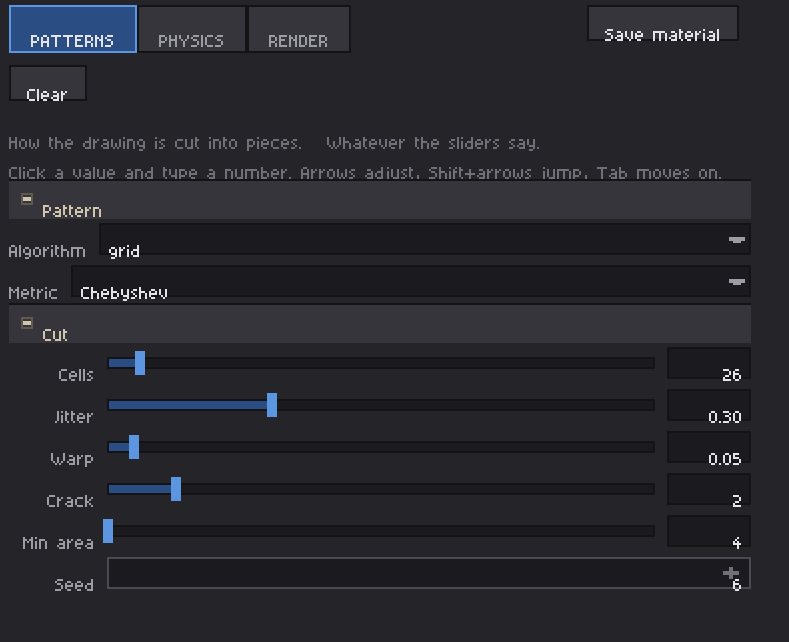
| Parameter | Range | Effect |
|---|---|---|
algorithm | voronoi / worley / grid / radial / bayer | Five cut patterns: nearest‑neighbour shards, voxel debris, straight fibres, radial shock cracks, ordered Bayer erosion. |
metric | Euclidean / Manhattan / Chebyshev | Distance metric used by voronoi and worley. |
cells | 2 – 400 | Number of cut points. |
jitter | 0 – 1 | 0 = regular grid, 1 = fully random. |
warp | 0 – 1 | Deforms the points into organic cracks. |
crack | 0 – 16 px | Cut thickness. 0 keeps the cel whole. |
minarea | 1 – 20000 | Discards fragments smaller than this area. |
seed | 1 – 99999 | Same seed, same fracture, every time. |
PHYSICS — how the pieces move
A · FLIGHT — gravity, burst energy, bounce, friction, initial tilt, spin, plus torsion and stretch.
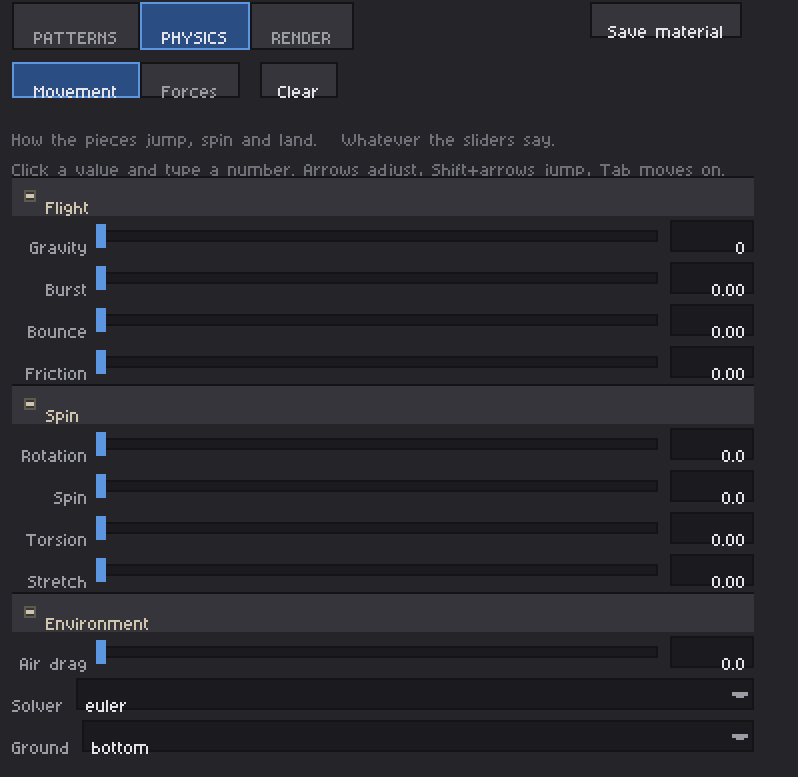
| Parameter | Range | Effect |
|---|---|---|
gravity | 0 – 4000 | Downward acceleration in px/s². |
spread | 0 – 1 | Burst energy. 0 = it only falls. |
restitution / friction | 0 – 0.95 / 0 – 1 | Ground bounce and horizontal loss on impact. |
rotation / spin | 0 – 3.14 / 0 – 12 | Initial tilt per fragment and angular speed. |
torsion / stretch | 0 – 1 | Virtual modifiers: pieces twist as they slide and elongate along their direction after a hit. |
B · IMPACT — what a piece is once it lands, not just where it goes.
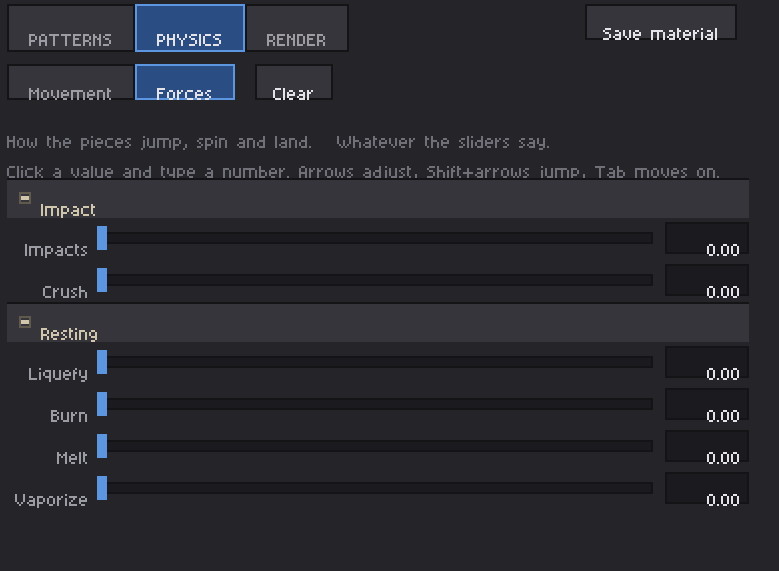
| Parameter | Range | Effect |
|---|---|---|
impacts / crush | 0 – 1 | Extra kick on every bounce; pieces flatten and widen when they land hard. |
liquefaction | 0 – 1 | The settled pile slumps and loses alpha. |
incineration | 0 – 1 | Pieces blacken the longer they rest. |
melting / vaporization | 0 – 1 | Shrink and sink as they settle / thin out and fade away. |
air_damping | 0 – 4 | Air drag. |
integration | euler / verlet | Semi‑implicit Euler or positional Verlet solver. |
ground | bottom / center / off | Where pieces land. off lets them fly out of frame. |
Side walls are simulated too: they bounce with restitution, lose friction, count as impacts and put pieces to sleep, so a single frame keeps most of its fragments instead of sliding them off the canvas.
RENDER / TIMELINE
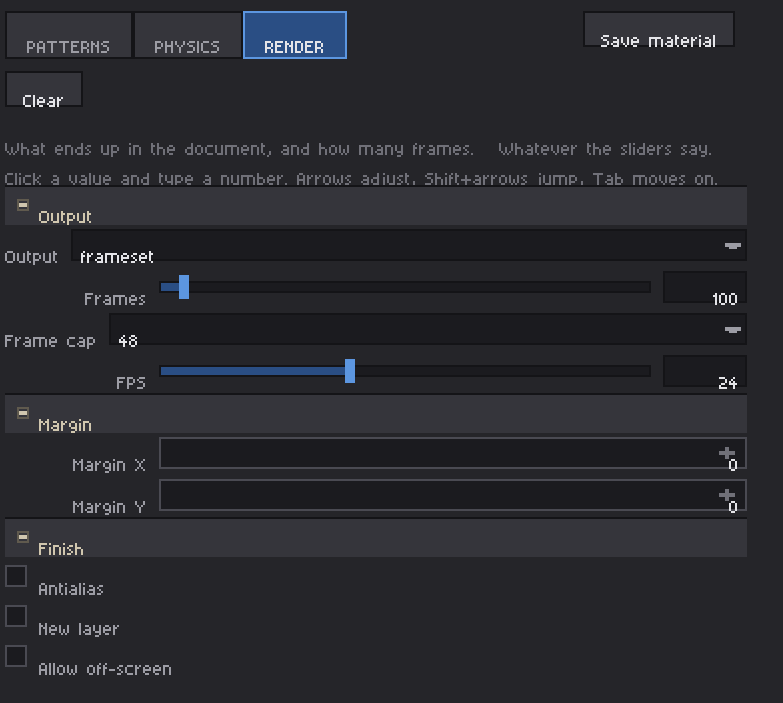
| Parameter | Options | Effect |
|---|---|---|
output | sprite / frameset | One still image, or the whole animation. |
steps | 1 – 2000 | Frame budget. It stops early as soon as everything has settled. |
fps | 1 – 60 | Sets the physics step (1000/fps ms). |
antialias | on / off | Bilinear sampling on rotating pieces. |
new_layer | on / off | Bake into a new layer instead of overwriting the cel. |
allow_offscreen | on / off | Grow the image so escaping pieces are kept in a margin instead of being cropped. |
Margin: It expands the margin for applying physics and animation relative to the algorithm's ground detection area; this depends on the sprite's canvas size. If the canvas is too tight, the animation will extend beyond the frame, so the canvas needs to be enlarged to view the animation when using this margin option or the allow_offscreen.
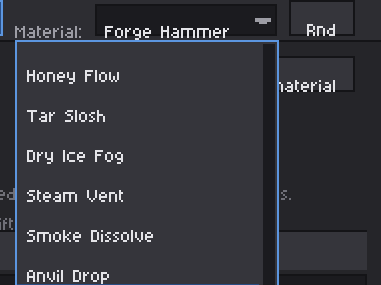
38 material presets
Each preset carries its own cut and physics values. Pick one, then nudge anything: applying a material never locks the sliders.
Flight & landing
Thin Crystal – fine sharp shards that skate across the floor. · Heavy Rock – few big blocks that land hard. · Splintered Wood – straight fibres and long splinters. · Digital Matrix – glitchy voxel debris, very bouncy. · Radial Burst – cracks radiating from one impact point. · Sand Dissolve – ordered Bayer erosion, soft falling grains. · Ceramic Plate – wide plates that clatter. · Zero‑G Debris – no floor, pieces leave the screen.
Impact & rest modifiers
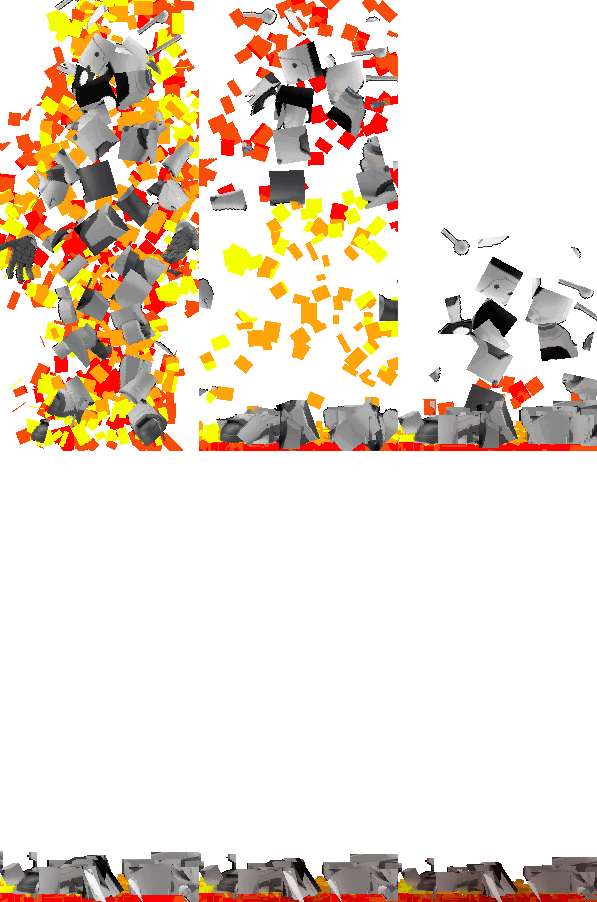
These switch on the B‑tab modifiers, so they change what a piece is, not only where it travels. Several combine two or three of them on purpose: a melt with heat does not read like a melt alone, and a crush with burning is not the sum of the two.
Burning Paper · Ember Cinders · Scorched Timber · Candle Wax · Softening Glass · Slag Collapse · Quicksand · Honey Flow · Tar Slosh · Dry Ice Fog · Steam Vent · Smoke Dissolve · Anvil Drop · Hydraulic Press · Wrecking Ball · Molten Rock · Magma Crack · Wet Ash · Burning Glass · Forge Hammer · Sublimating Ice · Candle in Wind · Soap Bubble · Molten Copper
The four rest modifiers build up over settle_frames (up to about 74 frames), derived from the strongest one. That is why several of these materials need more frames than the flight ones next to them – lowering the count does not speed them up, it cuts the effect in half.
Bounce
Rubber Burst · Ping Pong Shatter · Steel Chain · Superball · Bouncing Gel · Pinball Metal
Retained energy per impact is bounce × (1 + impacts × 1.6), capped at 1.0. Below 1 a pile settles; above 1 it would gain energy forever and never stop. The cap is a ceiling, not a warning, and all six bounce presets sit below it.



Live preview & playback
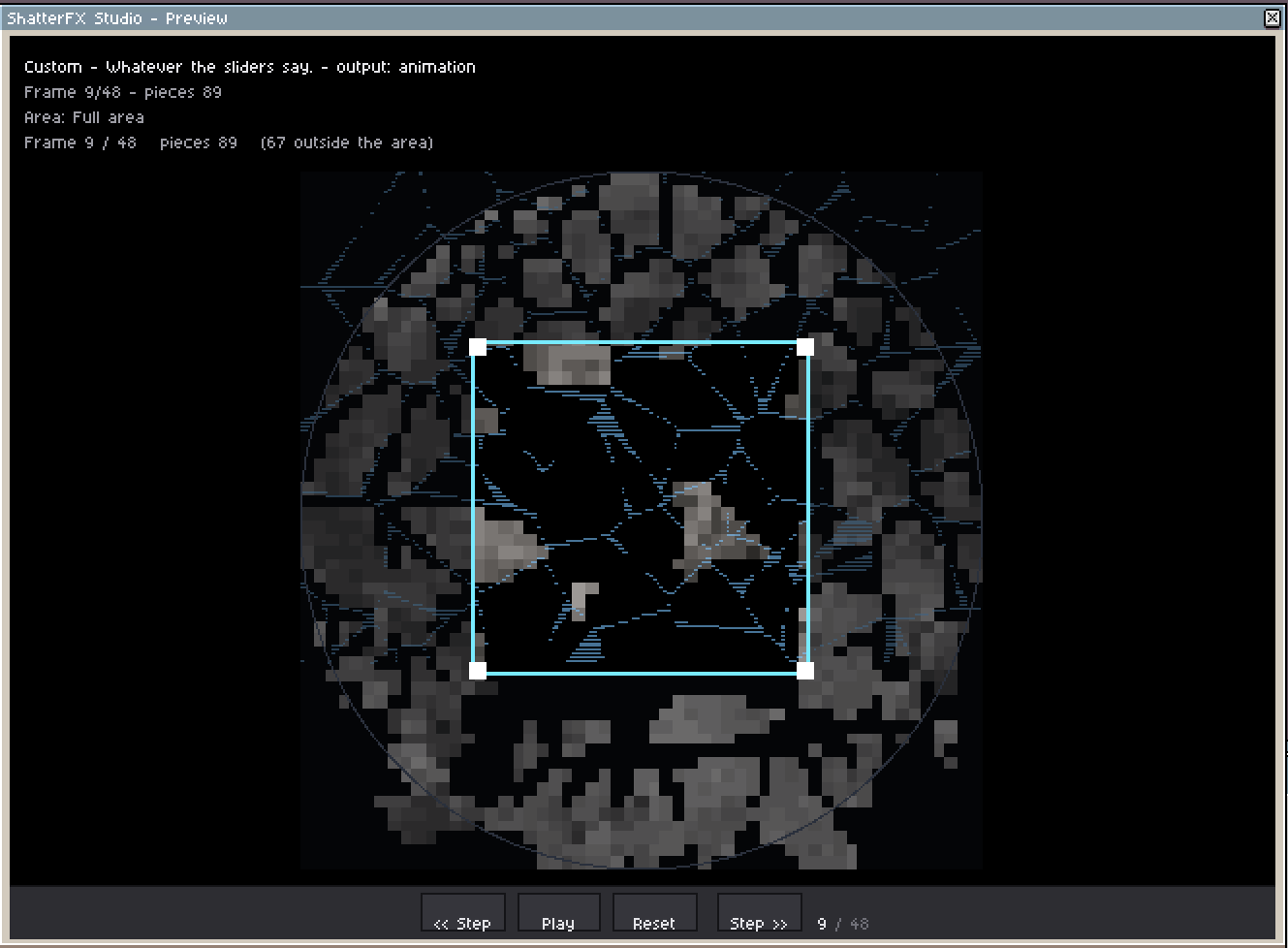
- The canvas draws your real sprite, fractured for real, with a live readout of pattern, piece count, discarded fragments and cut coverage.
- Play runs the simulation on an Aseprite timer at
1/fpsand loops back to frame 0; Step walks it frame by frame and the mouse wheel does too. - Reset returns to the first frame. Unchecking
Preview:short‑circuits the paint handler, so the cost is exactly zero.

Simulation areas
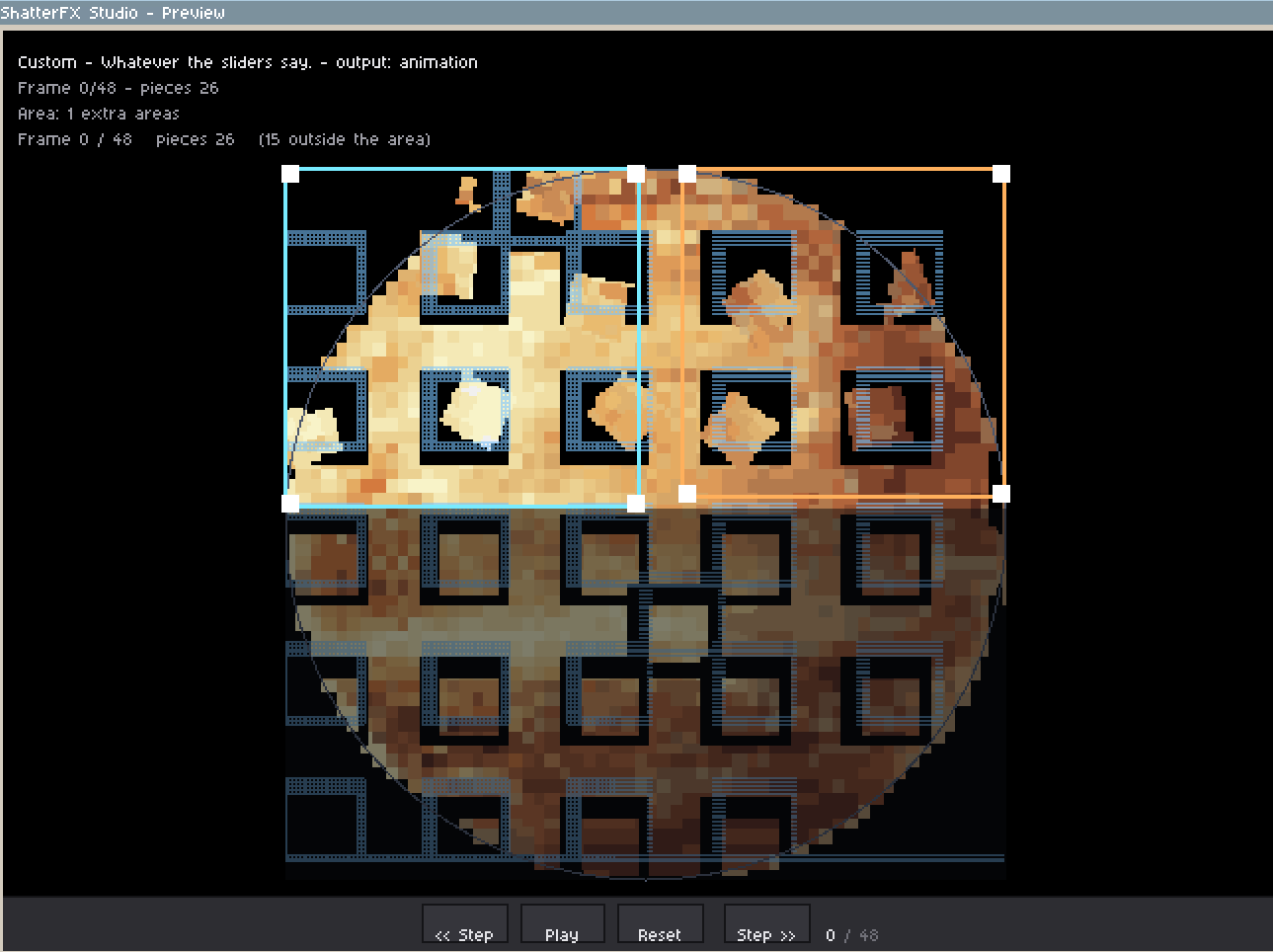
- Up to 7 independent regions per session, each one switchable, draggable and resizable.
- Use them to shatter only part of the drawing, or to run different materials side by side in one bake.
- Extra areas respect a hard cap and never overlap the main one, so a frame can never be simulated twice.


Randomizer
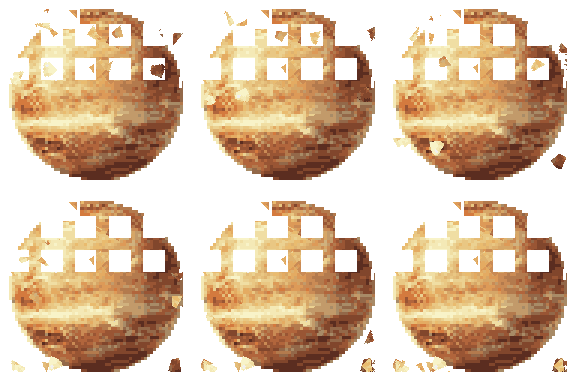
- Surprise me rolls a balanced set of values across every section, including the ones you had folded away.
- Dice buttons re‑roll a single section (material, cut, physics, timeline).
- Clean zeroes a whole tab in one click, and folding a group stores its values so reopening it brings them back.
Top bar
- Help button in the corner of each tab: short contextual text for the section you are looking at, not a manual.
- Language selector: English, Spanish, Russian and Chinese, including reversible captions in the dropdowns.
- The window is resizable and remembers its size and position between sessions; the preview grows with it.

Safe by design
- Before opening or generating, the extension lists every problem at once: no sprite open, indexed color mode, read‑only layer (group, background, hidden or locked), no opaque pixels, UI unavailable.
- Writes happen inside a single
app.transaction(): one undo reverts the whole bake. - Frameset mode advances exactly one physics step per frame and writes into the target layer only. No other layer is touched, and it can only shorten the timeline, never cut frames away.
- Indexed sprites are detected and reported instead of producing garbage pixels.
Install
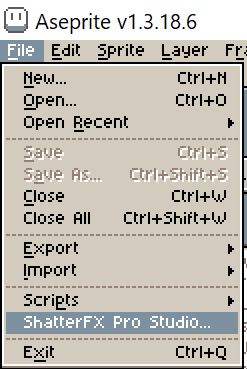
1. Download the .aseprite-extension file.
2. Double‑click it, or use Edit › Preferences › Extensions › Add extension.
3. Restart Aseprite.
Requirements
- Aseprite 1.3.18 or newer (tested on 1.3.18.6, API 41).
- Lua 5.4 (bundled with Aseprite). No external libraries, no network access.
- RGB sprites with at least one opaque cel.
## License
**Copyright (c) 2026 IndidesingLab.
All rights reserved.**
The sprites and animations you produce with ShatterFX Pro belong to you:
they are generated from your own material,
and the author claims no rights over them.
Redistribution, modification,
or commercial use of this software is prohibited
without the author's express authorization.
- **Authorized use:** installing and using the software on the purchaser's
own devices. Nothing more.
- **Unauthorized use:** copying it for third parties, publishing it,
creating a fork, selling it, or integrating it into another product or service.
- **No warranty:** it is distributed "as is," without any kind of warranty. The author
is not liable for data loss or damages resulting from its use.
Purchase
In order to download this tool you must purchase it at or above the minimum price of $6.99 USD. You will get access to the following files:
Leave a comment
Log in with itch.io to leave a comment.